 Install now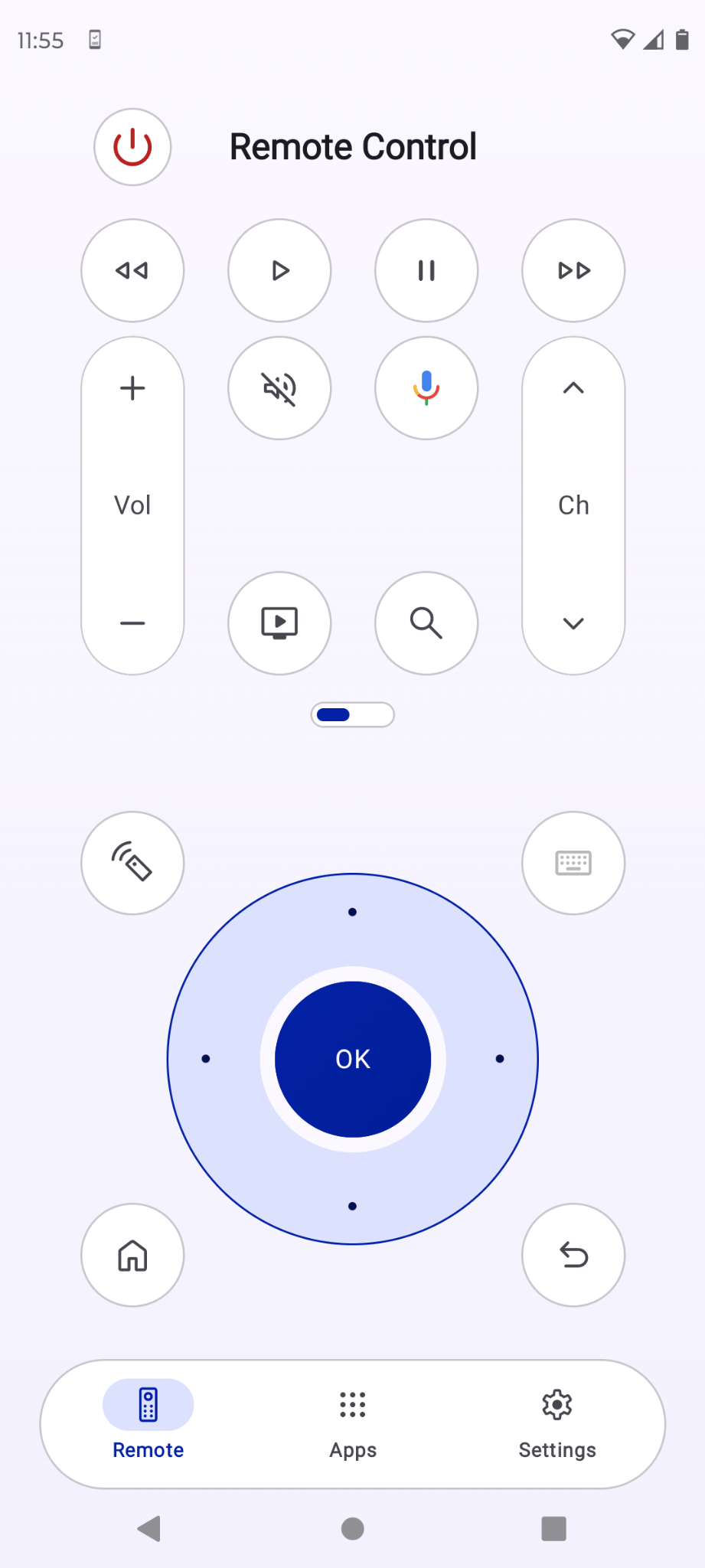
One remote. More possibilities.
Google TV
LG webOS
Samsung Tizen
Key features.
Familiar controls. Smarter ways to navigate.
Free controls
Your everyday remote.
Navigate menus, adjust volume, switch channels and control playback from your phone. Power, Home, Back and Menu controls are available where your TV supports them.
Premium · Try once freeMove your phone.
Move your phone.
Navigate your TV.
Use your phone’s motion sensors to shift the selection focus on compatible TVs, without repeatedly pressing directional buttons.
Premium · Try once freePoint. Select.
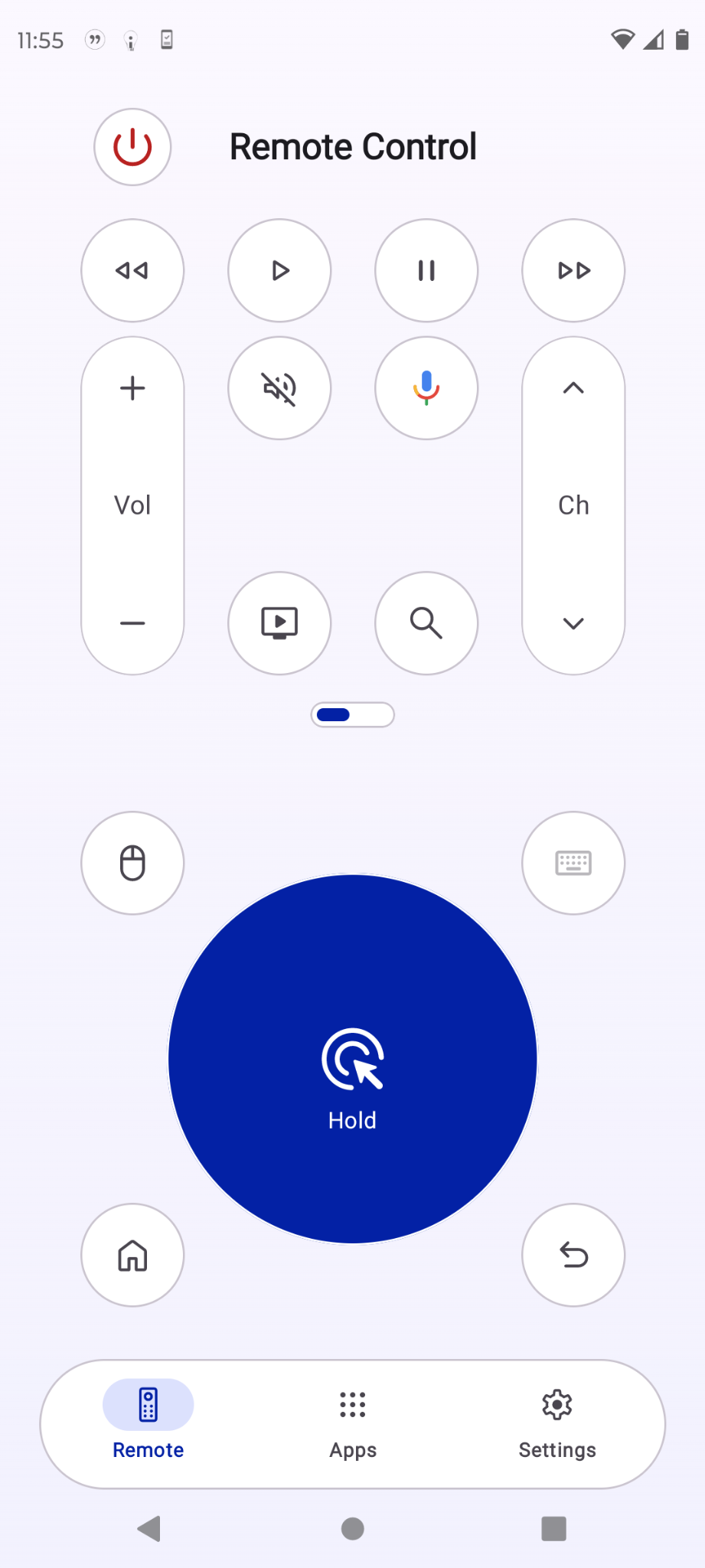
Point. Select.
Keep watching.
Move the on-screen pointer and select items directly from your phone on compatible LG webOS TVs.
Premium · Try once freeSay what you
Say what you
want to watch.
Speak into your phone to search for movies, shows and other content on supported TVs.
Premium · Try once freeLess clicking.
Less clicking.
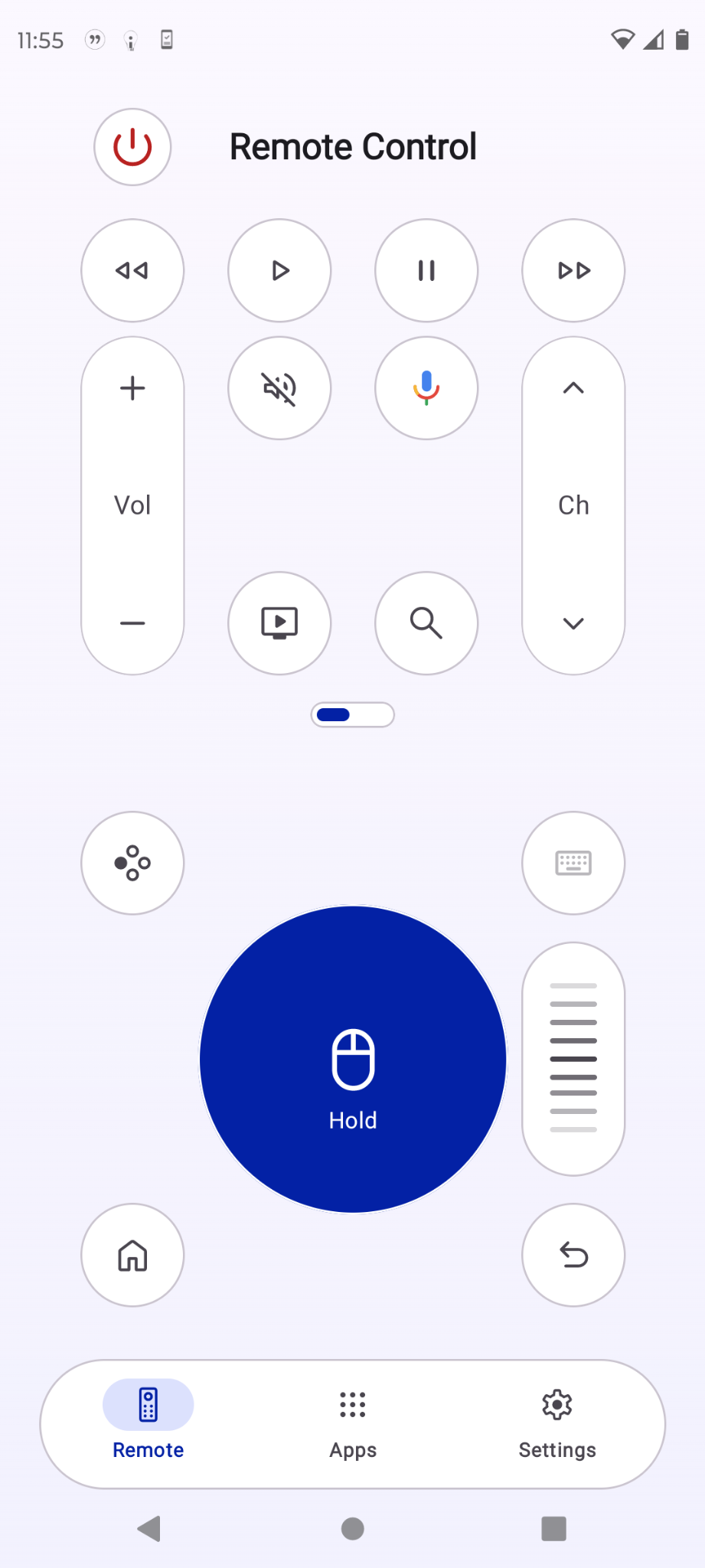
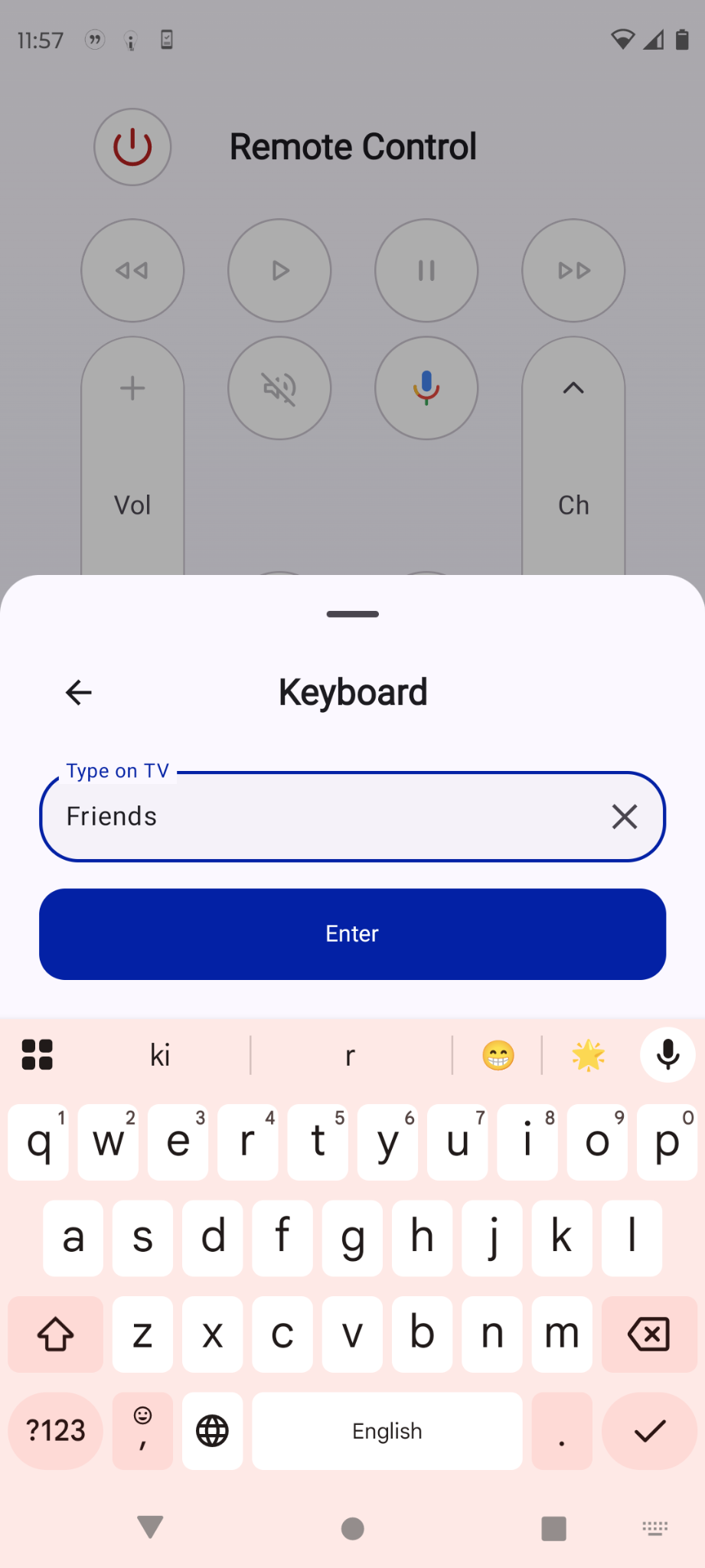
More typing.
Enter text on compatible smart TVs with your phone’s keyboard, instead of navigating an on-screen keyboard.
Basic controls are free. Each premium feature includes one free use; one lifetime purchase unlocks continued use. No subscription.
Features vary by TV model and connection method. Your phone and TV may need the same Wi-Fi network. Try compatibility before purchasing.